
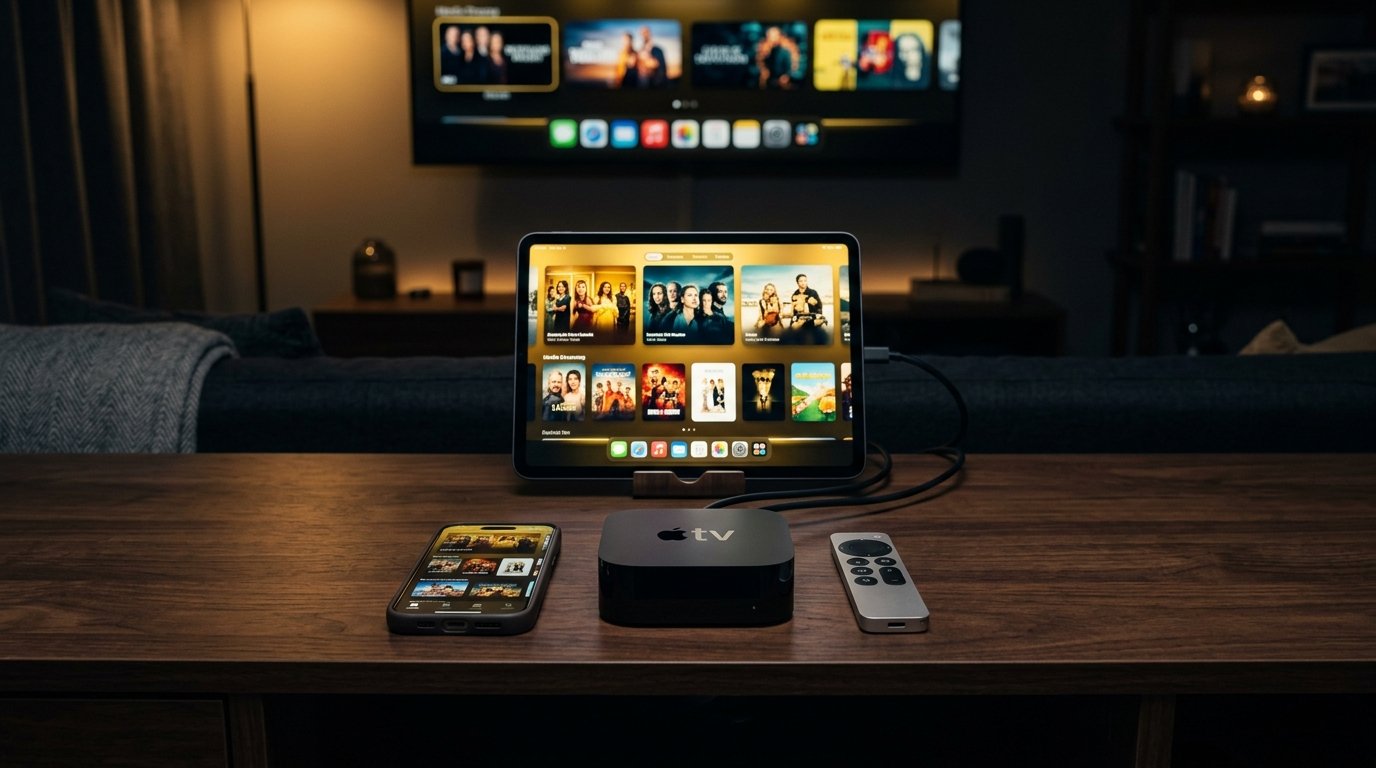
Streaming IPTV across Apple TV 4K, iPhone, and iPad offers unmatched fluidity and security. By pairing StreamQ with App Store favourites like IPTVX or UHF, you gain iCloud playlist synchronisation, Apple AirPlay 2 support, Picture-in-Picture, and hardware-accelerated 4K HDR playback powered by Apple Silicon.
1. The Apple Ecosystem Advantage: Silicon Power & iCloud Sync
Apple hardware offers unmatched computing power. The Apple TV 4K, powered by Apple Silicon (A15 Bionic), possesses vastly superior graphical and decoding capabilities compared to standard streaming sticks.
Furthermore, modern iOS and tvOS IPTV players leverage Apple CloudKit. When you add your StreamQ credentials on your iPhone, your channels, favorites, and watch history automatically sync to your iPad and Apple TV 4K without manual re-entry.
2. Top App Store Players: IPTVX vs UHF vs GSE
1. IPTVX (App Store)
Bespoke tvOS interface that looks and feels like Apple's official TV app. Features buttery-smooth 120Hz ProMotion navigation, continue watching trays, and comprehensive EPG integration.
2. UHF Player
Minimalist and blisteringly fast. Seamlessly integrates with iOS Stage Manager, Picture-in-Picture, and Apple Watch remote controls.
3. GSE Smart IPTV Pro
The classic stalwart for iOS. Ideal for users managing multiple custom playlist sources and local recordings.
3. Setting Up Apple TV 4K with StreamQ
- Open the App Store on your Apple TV 4K and search for IPTVX or UHF.
- Click Get to download the application.
- Launch the player and select Add Account > Xtream Codes.
- Using your iPhone keyboard via Continuity, paste your StreamQ server URL, username, and password.
- Enable Match Dynamic Range & Frame Rate in tvOS Video Settings for pristine 50fps playback.
4. iPhone & iPad Features: Picture-in-Picture & AirPlay 2
On iPhone and iPad, applications like UHF and GSE support native iOS Picture-in-Picture (PiP). Simply swipe up while streaming to place the video in a floating window while you check emails or browse social media.
Additionally, with AirPlay 2 support, you can beam any live channel playing on your iPhone directly to an AirPlay-compatible Samsung, LG, or Sony TV in your home with zero lag.
Experience High-Bitrate UK Streaming
Test StreamQ on your own television with our 24-hour evaluation pass. Direct WhatsApp onboarding, zero contracts, and comprehensive EPG listings.
Frequently Asked Questions
Does Apple permit IPTV players on the official App Store? ↓
Yes. Apple allows lawful media player utilities on both iOS and tvOS. The apps themselves contain no copyrighted streams; they simply act as video decoders for your authorized playlist credentials.