
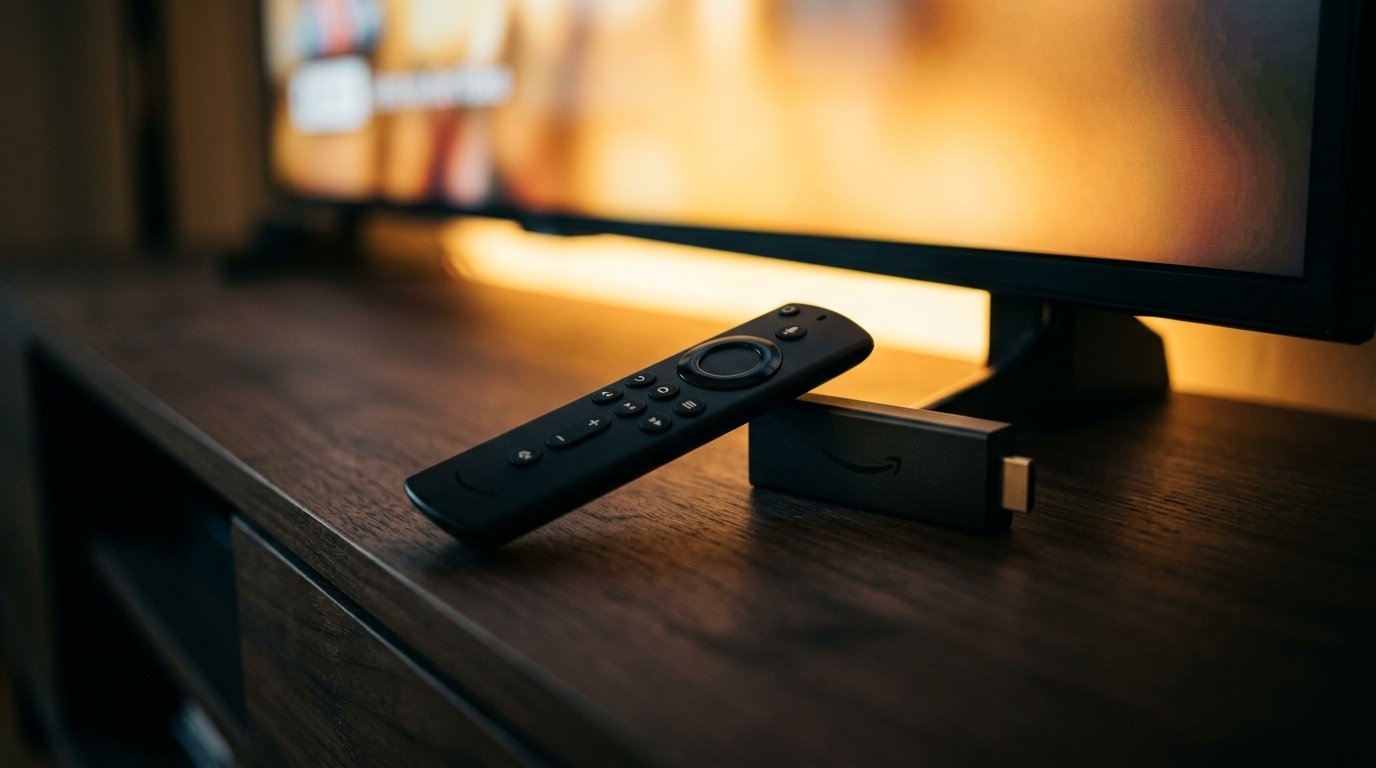
The Amazon Fire TV Stick is the UK's most popular IPTV streaming hardware due to its quad-core processing, hardware HEVC/H.265 decoding, and support for premium players like TiviMate and IPTV Smarters Pro. For smooth 4K 50fps playback without buffering, pair a Firestick 4K or 4K Max with 5GHz Wi-Fi and a StreamQ UK pass.
1. Why Firestick Dominates the UK IPTV Landscape
Amazon's Fire TV Stick line accounts for a massive share of streaming media consumption in British households. Its popularity stems from an open Android-based operating system (Fire OS), powerful video hardware decoders, and broad compatibility with external player applications.
Unlike closed proprietary television operating systems that often purge streaming apps from their app catalogues, Fire OS permits users to install clean, lawful media players such as TiviMate and IPTV Smarters via the verified "Downloader" tool.
2. Firestick Hardware Comparison: 4K Max vs 4K vs Lite
| Firestick Model | Processor & RAM | Wi-Fi Radio | IPTV Suitability |
|---|---|---|---|
| Fire TV Stick 4K Max (2nd Gen) | Quad-core 2.0 GHz, 2 GB RAM, 16 GB Storage | Wi-Fi 6E (6 GHz) | Best overall (Instant zapping, no lag) |
| Fire TV Stick 4K (2nd Gen) | Quad-core 1.7 GHz, 2 GB RAM, 8 GB Storage | Wi-Fi 6 (5 GHz) | Excellent (Full 4K HDR / 50fps) |
| Fire TV Stick Lite / HD | Quad-core 1.7 GHz, 1 GB RAM, 8 GB Storage | Wi-Fi 5 (Dual-band) | Adequate for 720p/1080p; slower EPG caching |
If purchasing new hardware in the UK, the extra £15 investment in the Fire TV Stick 4K Max is well worth it. Its 2.0 GHz processor and 16 GB internal flash storage prevent the sluggish EPG navigation and memory crashes that can afflict the 1 GB RAM Lite model.
3. Top 3 Lawful IPTV Players for Fire OS
1. TiviMate IPTV Player
The benchmark for television viewing. Offers a native multi-day EPG grid identical to traditional satellite interfaces, rapid channel switching, audio track selection, and multi-view capabilities.
2. IPTV Smarters Pro
Widely adopted and easy to configure via Xtream Codes API. Features built-in parental controls, master search, and external player support.
3. XCIPTV Player
Reliable dual-engine player using ExoPlayer and VLC under the hood. Great for households wanting a straightforward tile-based UI.
4. Essential Fire OS Performance Tweaks
To extract maximum performance from your Firestick and avoid background stutters, apply these four quick settings:
- Match Original Frame Rate: Go to Settings > Display & Sounds > Display > Match Original Frame Rate and toggle to ON. This allows 50Hz UK television feeds to play without 60Hz pulldown jitter.
- Disable Data Monitoring: Settings > Preferences > Data Monitoring > Turn OFF. This frees up background CPU cycles otherwise used for logging data usage.
- Turn Off Auto-Play Videos: Settings > Preferences > Featured Content > Turn off both "Allow Video Autoplay" and "Allow Audio Autoplay".
- Clear App Cache Weekly: Fire OS accumulates cache rapidly. Regularly clear cache for Amazon Appstore, Prime Video, and your media player via Applications > Manage Installed Applications.
5. Overcoming Firestick Wi-Fi & Thermal Throttling
Because Firesticks plug directly into HDMI sockets closely sandwiched behind hot television backplates, they can suffer from thermal throttling and electromagnetic interference from the TV panel itself.
Always use the HDMI extender dongle included in the Firestick box. This moves the stick away from the television chassis, improving Wi-Fi reception by up to 40% and lowering operating temperatures. For complete peace of mind, pair your stick with an official Amazon micro-USB or USB-C Ethernet adapter for a direct wired connection to your router.
Experience High-Bitrate UK Streaming
Test StreamQ on your own television with our 24-hour evaluation pass. Direct WhatsApp onboarding, zero contracts, and comprehensive EPG listings.
Frequently Asked Questions
Will using IPTV slow down my Firestick? ↓
Only if your storage is completely full or you run poorly coded apps. Using optimized players like TiviMate with regular cache clearance keeps the Firestick running quickly.
Can I use an OTG cable to add storage to my Firestick? ↓
Yes. An inexpensive USB OTG "Y-cable" lets you plug in a FAT32 USB thumb drive for channel recording and offline media.