
Stream Flawlessly on Every Screen You Own
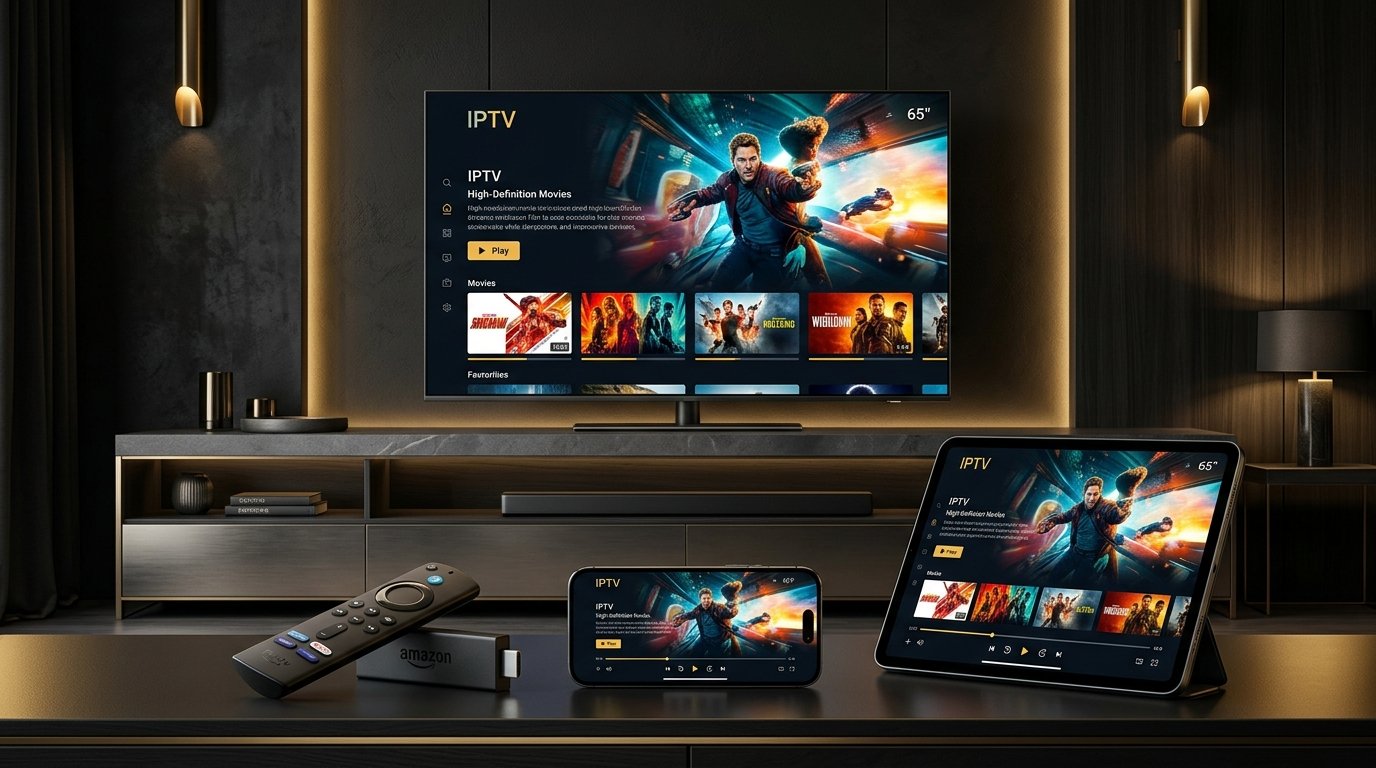
StreamQ requires zero proprietary hardware or locked boxes. Connect effortlessly using industry-standard player apps on your Amazon Firestick, Samsung Smart TV, LG webOS, Apple TV 4K, Google TV, Android, iPhone, or MAG Box.
Amazon Fire TV Stick
Learn how to set up StreamQ IPTV on Amazon Firestick 4K, Max, and Lite in the UK. Step-by-step setup using lawful media players like TiviMate and Smarters.
Samsung Smart TV (Tizen OS)
Complete guide for configuring StreamQ IPTV on Samsung Smart TV running Tizen OS. Recommended apps including IBO Player, Nanomid, and Smart IPTV.
LG Smart TV (webOS)
Learn how to set up StreamQ IPTV on LG Smart TV running webOS. Direct installation from LG Content Store using approved IPTV players.
Android TV (Sony, TCL, Philips, Nvidia Shield)
Set up StreamQ IPTV on Sony, Philips, TCL, and Nvidia Shield Android TVs. Native Google Play Store installation with TiviMate and Smarters.
Google TV & Chromecast
Setup guide for running StreamQ IPTV on Chromecast with Google TV (4K and HD). Streamline your TV experience with TiviMate and Smarters.
Apple TV (tvOS)
How to stream IPTV on Apple TV 4K with StreamQ. Recommended App Store players including IPTVX, GSE Smart IPTV, and UHF with iCloud sync.
Apple iPhone (iOS)
Stream your favourite television on iPhone. Discover approved iOS IPTV players from the Apple App Store with AirPlay and Picture-in-Picture.
Apple iPad (iPadOS)
Optimise StreamQ IPTV for iPad Pro, Air, and Mini with Split View, Stage Manager, and Picture-in-Picture multitasking.
Android Mobile & Tablets
How to stream IPTV on Samsung Galaxy, Google Pixel, and Android tablets using StreamQ. Complete guide to official Play Store apps.
MAG Set-Top Box (Infomir)
Setup guide for MAG 322, 420, 524, and 540 set-top boxes. Connect via Stalker Portal URL and MAC address activation with StreamQ.
Don't See Your Specific Device Listed?
If your device supports standard M3U playlists or Xtream Codes API (including Windows PC, macOS, Kodi, Nvidia Shield, Formuler, and smart projectors), StreamQ will work smoothly.