
To configure IPTV on an LG Smart TV running webOS: 1) Open the LG Content Store / Apps from the home launcher; 2) Install IBO Player or Nanomid; 3) Note down your TV's MAC address and Device Key; 4) Upload your StreamQ M3U link via the player's web portal to activate your channels and EPG.
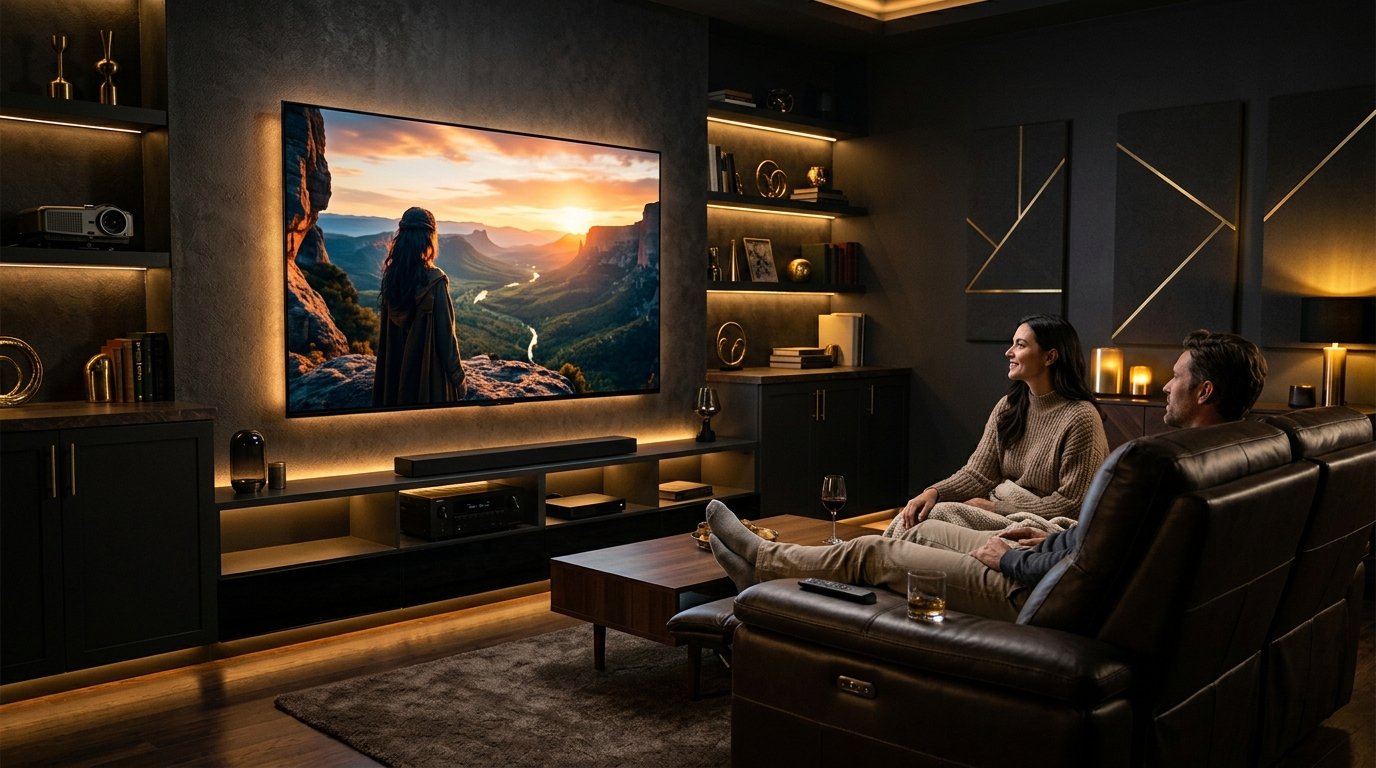
1. LG webOS Streaming Architecture & Magic Remote
LG Smart TVs running webOS (webOS 6.0 through webOS 24) are celebrated for their incredible OLED contrast ratios and the intuitive point-and-click Magic Remote.
Running IPTV natively on LG webOS provides the convenience of operating your television with a single remote control. Modern players like IBO Player Pro and Nanomid take full advantage of the Magic Remote wheel for fast channel scrolling and seamless EPG navigation.
2. Installing Players from the LG Content Store
- Press the Home button on your LG Magic Remote to launch the app ribbon.
- Select LG Content Store or the Apps card.
- Click the Search icon in the top right and enter
IBO Player. - Click Install. Once complete, launch the app directly.
3. Uploading & Synchronizing Your StreamQ Playlist
Upon first launching IBO Player on LG webOS, you will see your TV's unique Device MAC and Device Key on screen.
Open the player web portal on your phone, log in with these identifiers, paste your StreamQ M3U/Xtream link, and click Save. Press Reload on your LG TV to instantly load the channel grid with 7-day UK guide listings.
4. Essential LG webOS Performance & Picture Tweaks
To prevent playback stutters on LG webOS:
- Disable Quick Start+: Go to Settings > General > Devices > TV Management > Quick Start+ and switch to OFF. This forces the TV to cleanly clear its RAM cache upon power cycling.
- Picture Mode: Set picture mode to Cinema or Filmmaker Mode. Avoid "Vivid" mode, which introduces aggressive artificial motion interpolation that can distort 50fps live sports.
Experience High-Bitrate UK Streaming
Test StreamQ on your own television with our 24-hour evaluation pass. Direct WhatsApp onboarding, zero contracts, and comprehensive EPG listings.
Frequently Asked Questions
Does LG webOS support 4K 60fps streams? ↓
Yes. LG televisions powered by Alpha 7, Alpha 8, and Alpha 9 AI processors contain hardware-accelerated HEVC decoders capable of native 4K 60fps playback.