
For smooth IPTV streaming in the UK: Standard Definition (SD) requires at least 5 Mbps; Full HD (1080p @ 50fps) requires 15–20 Mbps; and 4K Ultra HD streams require 30–35 Mbps of stable downstream bandwidth. Equally vital is maintaining a low latency ping under 35ms and jitter below 10ms.
1. UK Broadband Speed Benchmarks by Resolution
To understand the broadband requirements for Internet Protocol Television, we must distinguish between raw file downloads and continuous real-time video bitrates.
| Stream Resolution | Average Video Bitrate | Minimum Line Speed | Recommended Speed |
|---|---|---|---|
| Standard Definition (576p) | 1.5 - 2.5 Mbps | 5 Mbps | 10 Mbps |
| High Definition (720p 50fps) | 4.0 - 6.0 Mbps | 10 Mbps | 15 Mbps |
| Full HD (1080p 50fps) | 8.0 - 14.0 Mbps | 15 Mbps | 25 - 30 Mbps |
| Ultra HD (4K UHD 50/60fps) | 18.0 - 28.0 Mbps | 30 Mbps | 50+ Mbps |
Notice that the recommended line speed includes an overhead margin of 50–100%. This headroom ensures that if another household member opens Instagram or streams a 4K YouTube video, your IPTV buffer does not deplete.
2. Why Download Speed Isn't Everything: Ping & Jitter
Many users boast a 250 Mbps Virgin Media or BT fibre line, yet still suffer intermittent buffering. The reason is usually poor latency (ping) and jitter, rather than total bandwidth.
- Latency (Ping): The time it takes for a data packet to travel from your television to the streaming server and back. Aim for under 35ms.
- Jitter: The variation in packet arrival times. If one packet takes 20ms and the next takes 120ms, jitter is 100ms. High jitter forces the video player to pause. Aim for under 10ms.
- Packet Loss: The percentage of packets that fail to arrive. Any packet loss above 0.5% will cause visible macroblocking or freezing.
3. Calculating Multi-Device Bandwidth in UK Households
In modern British homes, broadband capacity is shared across multiple concurrent demands:
- Living room 4K TV stream: ~25 Mbps
- Bedroom 1080p TV stream: ~12 Mbps
- Online gaming (PlayStation/Xbox): ~5 Mbps (requires low jitter)
- Smart home devices, mobile phones, video calls: ~15 Mbps
For multi-room streaming households, a standard UK Fibre to the Cabinet (FTTC) plan (Superfast 38–70 Mbps) or Full Fibre (FTTP 100–500 Mbps) is ideal.
4. Optimising Your UK Hub (BT, Virgin, Sky, TalkTalk)
To extract the lowest latency from your existing broadband package:
- Connect your television or Firestick using an Ethernet cable or Powerline adapter.
- Separate your Wi-Fi into distinct 2.4 GHz and 5 GHz SSIDs. Connect streaming hardware solely to the 5 GHz band.
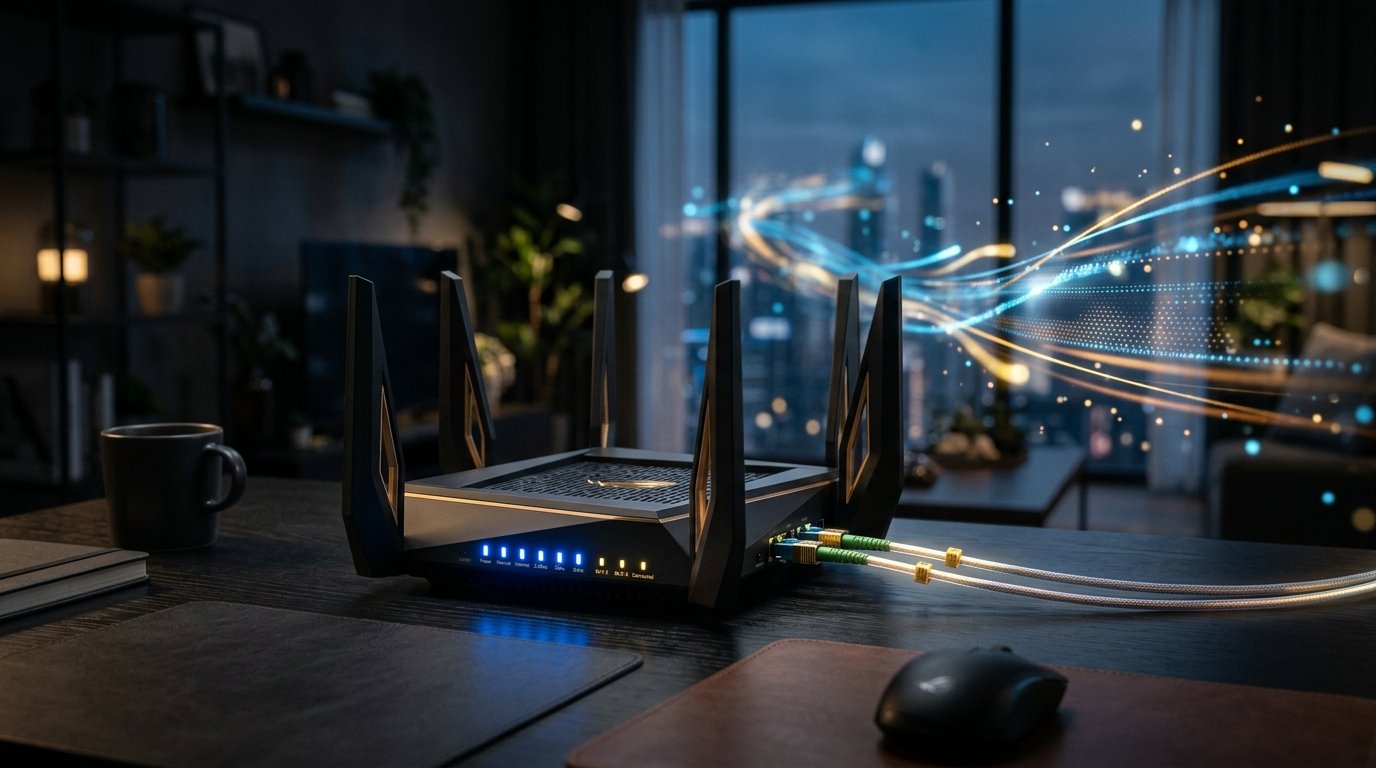
- Place your router in an open, elevated position rather than tucked inside an enclosed TV cabinet or behind a metal radiator.
Experience High-Bitrate UK Streaming
Test StreamQ on your own television with our 24-hour evaluation pass. Direct WhatsApp onboarding, zero contracts, and comprehensive EPG listings.
Frequently Asked Questions
Can I stream IPTV over mobile 4G or 5G broadband? ↓
Yes. 5G mobile broadband typically delivers speeds of 80–250 Mbps with latency under 30ms, making it an excellent alternative to fixed line broadband. A 1080p stream consumes approximately 2 to 3 gigabytes of data per hour.